





























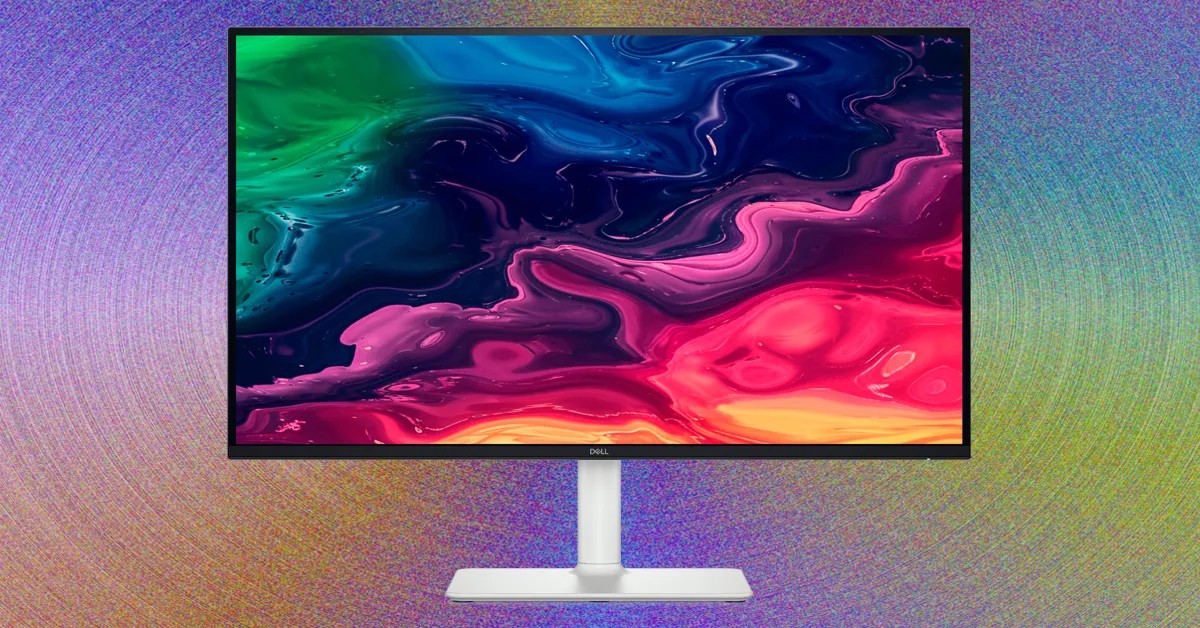
Finding the right computer monitor involves more than just picking the biggest or cheapest option. The market offers a wide range of choices, from budget-friendly models to high-end OLED displays, and understanding the key specifications is crucial for a satisfying experience. Here’s a breakdown of what to consider in 2025.
Monitor Size: Finding the Right Fit
Monitor size remains a primary factor. The most common sizes are:
- 27 inches: The current standard, offering a balance between screen real estate and desk space.
- 32 inches: A step up for multitasking, but requires at least a 1440p resolution to maintain clarity. Larger 40- and 43-inch options exist, but demand significant desk space.
- 34 inches: Curved ultrawide monitors provide an immersive experience, often replacing the need for dual 27-inch setups.
- 24 inches: Best suited for smaller desks or competitive gaming where responsiveness is paramount.
Beyond these, you’ll find niche options like 49-inch “super ultrawide” displays and 16-inch portable monitors.
Key Specifications: What You Need to Know
Once you’ve settled on a size, several other factors come into play:
Resolution: Higher resolutions (1080p, 1440p, 4K, 5K, or even 6K) are crucial for larger screens, ensuring sharp text and detailed visuals.
Refresh Rate: Measured in Hertz (Hz), this determines how smoothly motion appears. 60Hz is adequate for general use, but gamers will benefit from 120Hz, 144Hz, 240Hz, or even higher. Achieving these higher rates requires a powerful computer and enabling the feature in your operating system.
Panel Type: Different panel technologies offer trade-offs:
- TN (Twisted Nematic): Fastest response times, ideal for competitive gaming, but often lacks color accuracy.
- VA (Vertical Alignment): Excellent contrast ratios but can suffer from slower response times.
- IPS (In-Plane Switching): Superior color accuracy and viewing angles, now available with high refresh rates.
- Mini-LED: Enhanced backlighting for brighter, more accurate colors.
- OLED (Organic Light-Emitting Diode): Pixel-level control for perfect blacks and unmatched contrast, becoming popular for gaming.
Sync Technologies: Nvidia G-Sync and AMD FreeSync reduce screen tearing by dynamically adjusting refresh rates. Ensure compatibility with your graphics card.
HDR Support: High Dynamic Range enhances color and contrast, but many monitors claiming HDR fall short of delivering a noticeable effect. Look for high brightness (over 1,000 nits) and adequate dimming zones (over 2,000) for true HDR performance. OLED panels excel in this area due to their pixel-level control.
Connectivity & Ergonomics
Ports: Check for HDMI and DisplayPort inputs to ensure compatibility with your devices. Some monitors also include USB hubs or built-in KVM switches for seamless switching between multiple computers.
Ergonomics: Look for stands with adjustable height, tilt, and rotation to prevent strain. Monitor arms can free up desk space and offer even greater flexibility.
Testing & Evaluation
Reputable reviewers rigorously test brightness, contrast, color accuracy, and other critical metrics using colorimeters. Honest reviews prioritize performance over manufacturer partnerships. Manufacturers often provide review units but should not influence coverage.
Ultimately, choosing the right monitor depends on your specific needs and budget. By understanding these key specifications, you can make an informed decision that maximizes your viewing experience.